AutoCount Modules
Customize, scale and optimize your business with 50+ powerful add-ons. From modular accounting to advanced inventory control, build the system your business needs.
What Is an AutoCount Module
An AutoCount Module is a feature add-on designed to extend the functionality of your AutoCount Accounting System. Instead of a one-size-fits-all platform, AutoCount uses a modular approach allowing you to add only the tools your business truly needs.
Each module enhances a specific function such as inventory control, accounting, point-of-sale, payroll or reporting, giving you the flexibility to customize and scale your accounting solution as your company grows.
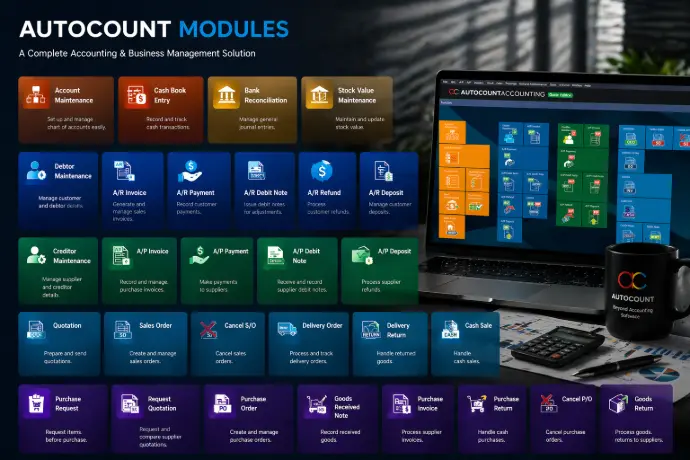
Discover AutoCount Modules
How to choose the right modules?

Retail/Trading
Inventory control, Sales order, POS, Customer Pricing
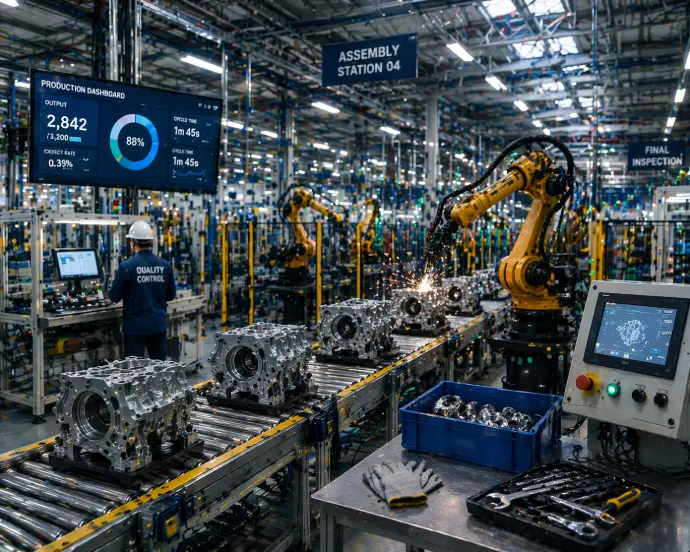
Manufacturing
Multi-location Stock, Batch Tracking, BOM (Bills of Materials), Accounting
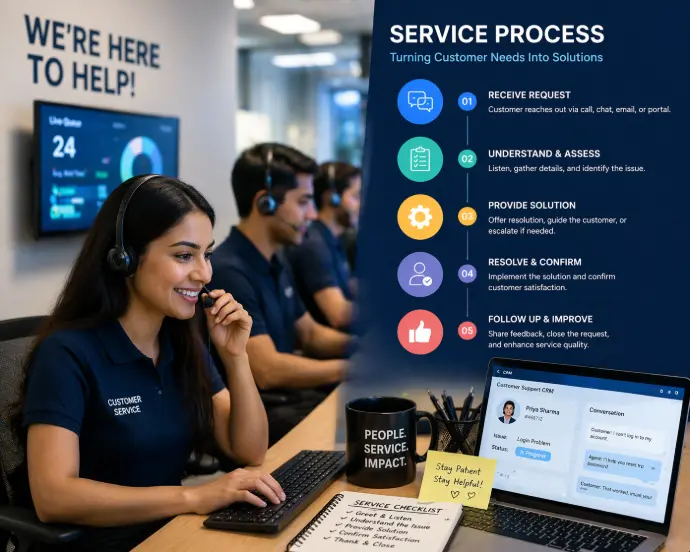
Service Based
Accounting, Payroll, Custom Report Writer, Multi-Currency
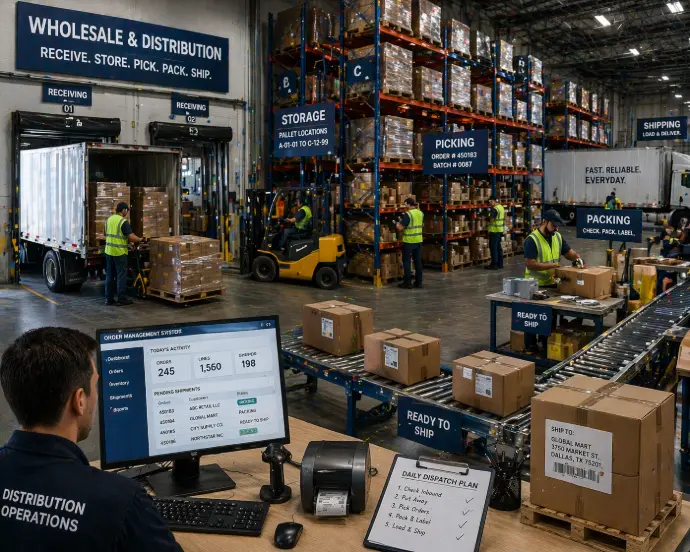
Wholesale/Distribution
Accounting, Payroll, Custom Report Writer, Multi-Currency
Integration with AutoCount Plugins
Modules work seamlessly with Plugins (specialized extensions like e-invoicing, WhatsApp integration, and payment gateways) to create an end-to-end automated solution.
Explore 50+ Add-on Modules
Search, filter by function (Finance, Inventory, Integration), and discover the exact AutoCount module that will streamline your business operations.
Why Choose AutoCount Modules?
Modular Customization
Pick and combine modules based on your exact business needs — from inventory to multi-currency management.
Cost Efficiency
Pay only for what you need. Avoid the cost of unnecessary features that clutter your interface
Scalability
Add or remove modules anytime as your operations grow, ensuring your system matches your scale.
Data Security
Protect sensitive financial information with robust audit trails and granular access control features.
Seamless Integration
All modules work together in one unified ecosystem, reducing data duplication and improving reporting.
Popular AutoCount Categories

Accounting & Finance
- GL (General Ledger): Manage ledgers, journals, and account statements effortlessly.
- AR & AP: Track invoices, collections, and supplier payments with real-time visibility.
- Multi-Currency: Handle international transactions and automatic currency

Inventory & Stock
- Inventory Control: Manage stock levels, track movements, and prevent overstocking.
- Serial No. & Batch: Ideal for manufacturing or distribution needing detailed traceability.
- Multi-Location: Monitor and transfer stock between branches with ease.

Sales & CRM
- Sales Order Processing: Automate quotation to invoice workflows for faster transactions
- Customer Pricing: Customize pricing for loyal or bulk customers quickly.
- Debtor Aging Analysis: Keep track of overdue accounts visually to optimize cash flow.
Frequently Asked Questions (FAQs)
The primary benefit is cost-efficiency and customization. Since each AutoCount module is independent, businesses—especially SMEs—can pay only for the specific features they require, avoiding the high upfront cost and complexity of a full, one-size-fits-all ERP system.
Although this Website may be linked to other websites, we are not, directly or indirectly, implying any approval, association, sponsorship, endorsement, or affiliation with any linked website, unless specifically stated herein.
You should carefully review the legal statements and other conditions of use of any website which you access through a link from this Website. Your linking to any other off-site pages or other websites is at your own risk.
Integration is typically managed via the API Module (Advanced) or specific integration plugins. These tools allow your e-commerce platform to seamlessly exchange data (sales orders, inventory levels, customer records) with your core AutoCount system.
Yes. AutoCount’s modular structure allows you to scale up or down easily by adding or removing features as your business changes or grows.
Yes. Authorized AutoCount partners provide comprehensive setup assistance and user training for each purchased module to ensure smooth implementation.