AutoCount for SMEs: Smarter Accounting, Inventory & POS for Growing Businesses
Run Your SME Smarter with AutoCount — Accounting, Inventory & POS in One System
Stop manual spreadsheets, stock errors, and delayed reporting. Everything updates in real time, built for Malaysian compliance and growth.
Scale Your Malaysian Business with Confidence
For growing Small and Medium Enterprises (SMEs) in Malaysia, balancing expanding sales with operational complexity is a constant challenge. Relying on fragmented spreadsheets or basic, disconnected billing software quickly leads to accounting chaos, mismatched inventory tracking, and critical compliance risks.
AutoCount Software provides the ultimate, all-in-one business management framework built specifically for Malaysian SMEs.
By unifying your financial bookkeeping, sales invoices, multiple warehouse stocks, payroll systems, and mandatory digital tax reporting into a single system, AutoCount removes manual errors so you can focus completely on market growth.
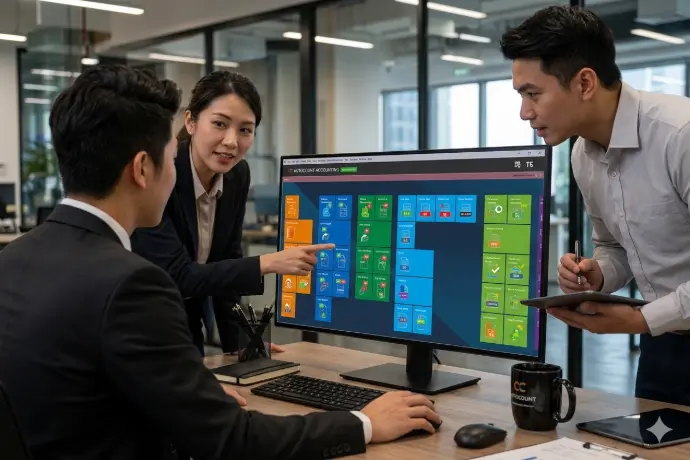
Common SME Roadblocks—And How AutoCount Solves Them
Every expanding business encounters operational bottlenecks. AutoCount systematically automates these workflows to maximize profitability.
Drowning in Double Data Entries?
The Problem: Admins waste hours manually re-typing sales orders into delivery forms, invoice pages, and financial ledgers.
The Solution: AutoCount uses connected document pipelines. Convert a quote to an invoice with one click—updating stock levels and ledger tracking automatically.
Losing Revenue to Mismatched Stock?
The Problem: Ghost inventory and stock shortages cause missed client delivery deadlines and bleeding cash flow.
The Solution: Real-time, multi-warehouse tracking with automated low-stock reorder reminders to maintain perfect balance.
Struggling to Get Instant Financial Updates?
The Problem: Owners wait weeks until month-end for accounting teams to compile manual performance reports.
The Solution: Live dashboard monitoring for open receivables, operating costs, and true profit tracking on demand.
Tailored SME Features Built for Local Success
Unlike generic international ERP platforms, AutoCount is deeply localized for Malaysian statutory rules, labor mandates, and banking integrations.
1.
Direct LHDN e-Invoicing Compliance
Connects directly with the LHDN MyInvois Portal via API. Automates real-time validation and batch submissions to eliminate tax penalty risks.
2.
Seamless Digital Bank Connectivity
Integrates directly with local banks like Maybank, Hong Leong Bank, and UOB. Powers single-click automated bank reconciliations and instant digital supplier payouts.
3.
Comprehensive Cloud Payroll & HRMS
Automates complex monthly calculations for EPF, SOCSO, EIS, and PCB taxes. Features a secure employee self-service hub for remote claims and digital payslips.
4.
Omnichannel Sales Management (OneSales)
Unifies physical retail storefront registers and online e-commerce checkout platforms. Syncs all sales data seamlessly into one centralized inventory ledger.
Tailored Solutions for All Major SME Sectors
AutoCount features specialized module sets designed to fit different market sectors:

Engineering & Contractors
Track clear job costing, progressive claim billing, and individual sub-project profit margins effortlessly.

Retail & F&B Outlets
Speed up customer front-counter billing checkout rows using offline-ready cash register point-of-sale setups.
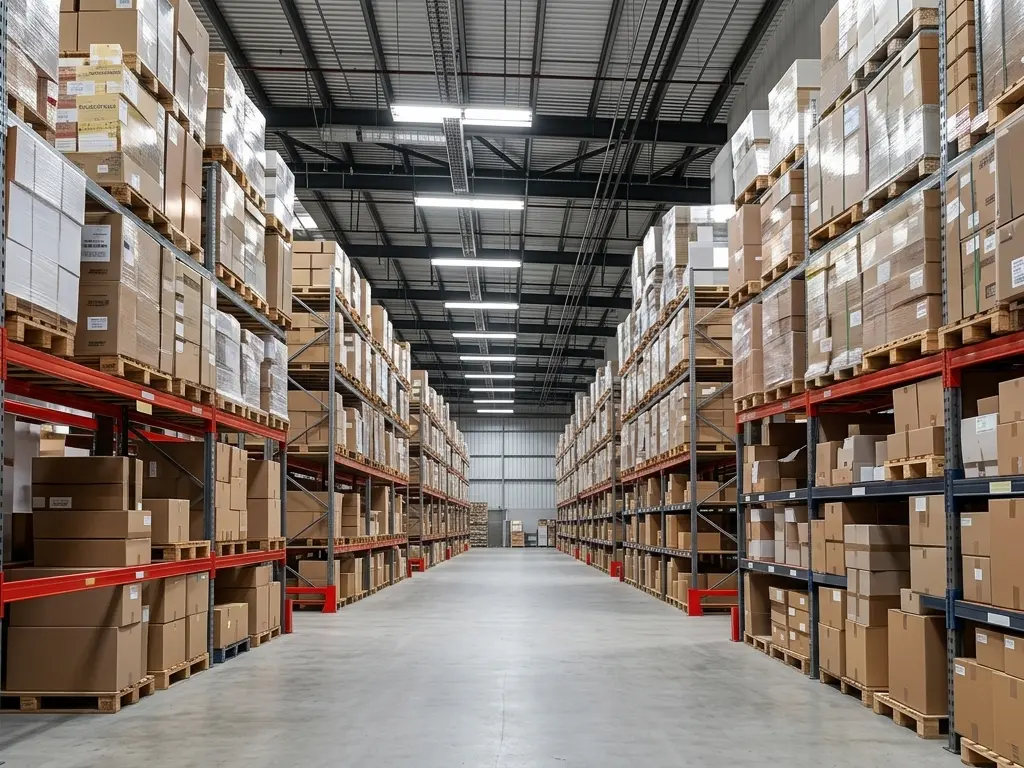
Wholesale & Distribution
Manage multi-UOM packing options, automated batch number tags, and direct sales team tracking modules.
Related Articles


Why Choose SL Software?
Practical Training
We focus on real usage, not theory.
Simple & Clear Explanation
We make complex processes easy to understand.
Tailored to Your Business
Training is based on your workflow.
Ongoing Support
We help your team even after training ends.
Frequently Asked Questions
Who is AutoCount suitable for?
AutoCount is suitable for SMEs, retail shops, wholesalers, distributors, service companies, F&B businesses and companies that need better control over accounts and stock.
Can AutoCount help with inventory management?
Yes. AutoCount can help businesses track stock quantity, stock movement, item costing, warehouse balance and inventory reports.
Can I control what information my employees can see inside the system?
Yes. AutoCount includes strict user permission controls, enabling administrators to block access to sensitive cost sheets, payroll figures, or financial summaries.
Get started with Autocount today!
Download the latest version of Autocount and follow our simple installation guide to set up your software. Whether you’re a first-time user or updating to the latest version, the process is quick and straightforward.
Get Free Consultation Contact Us Today